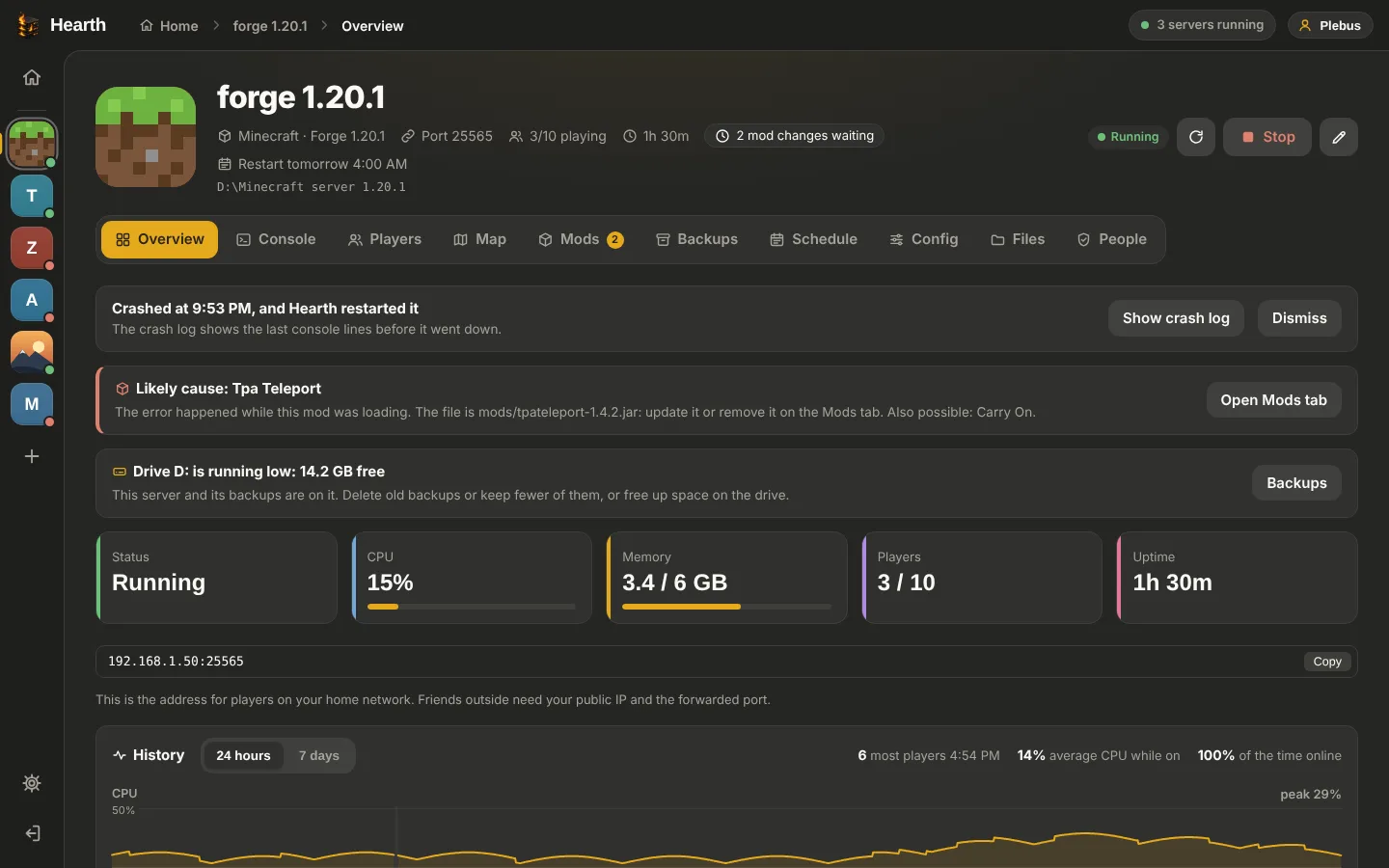
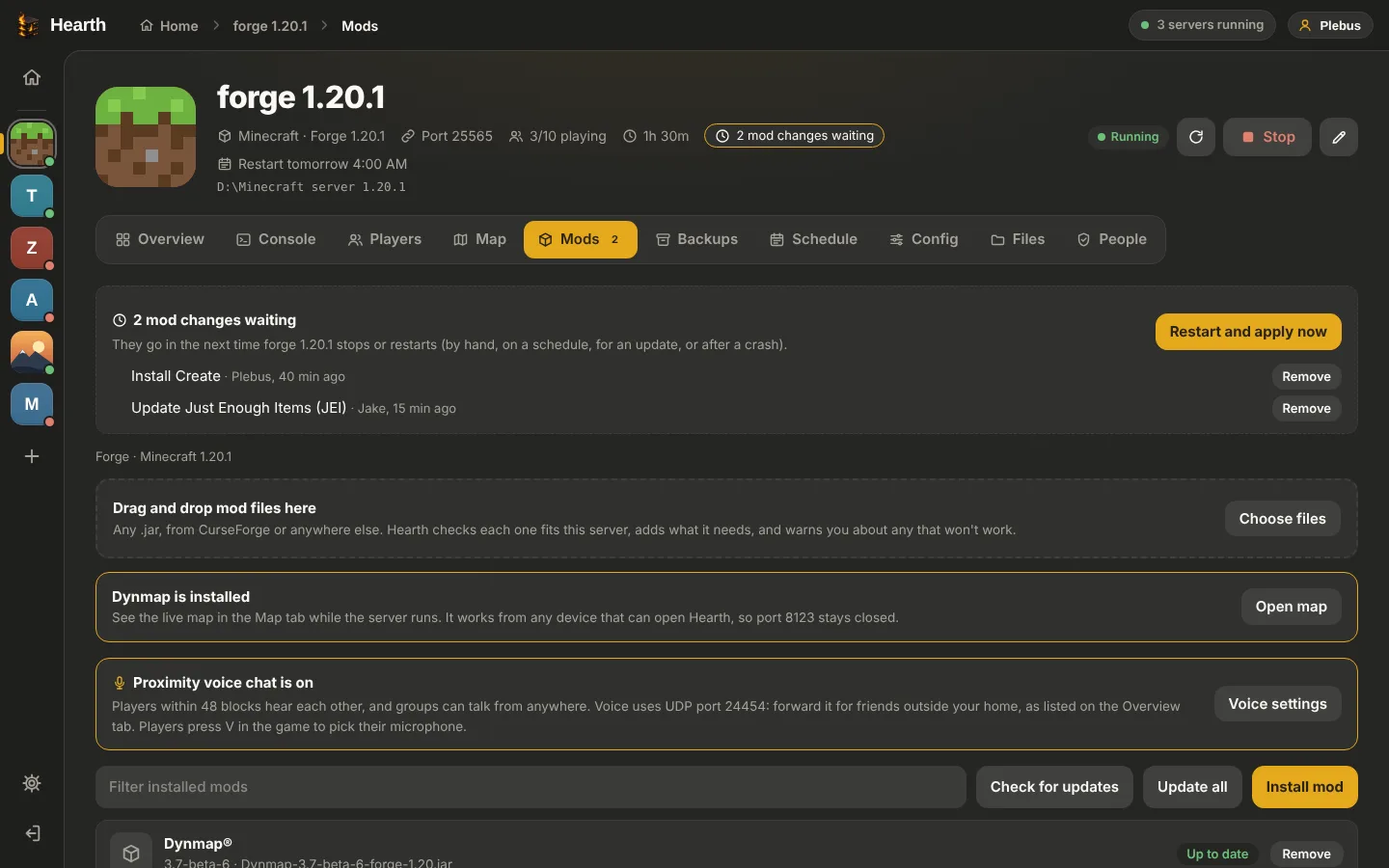
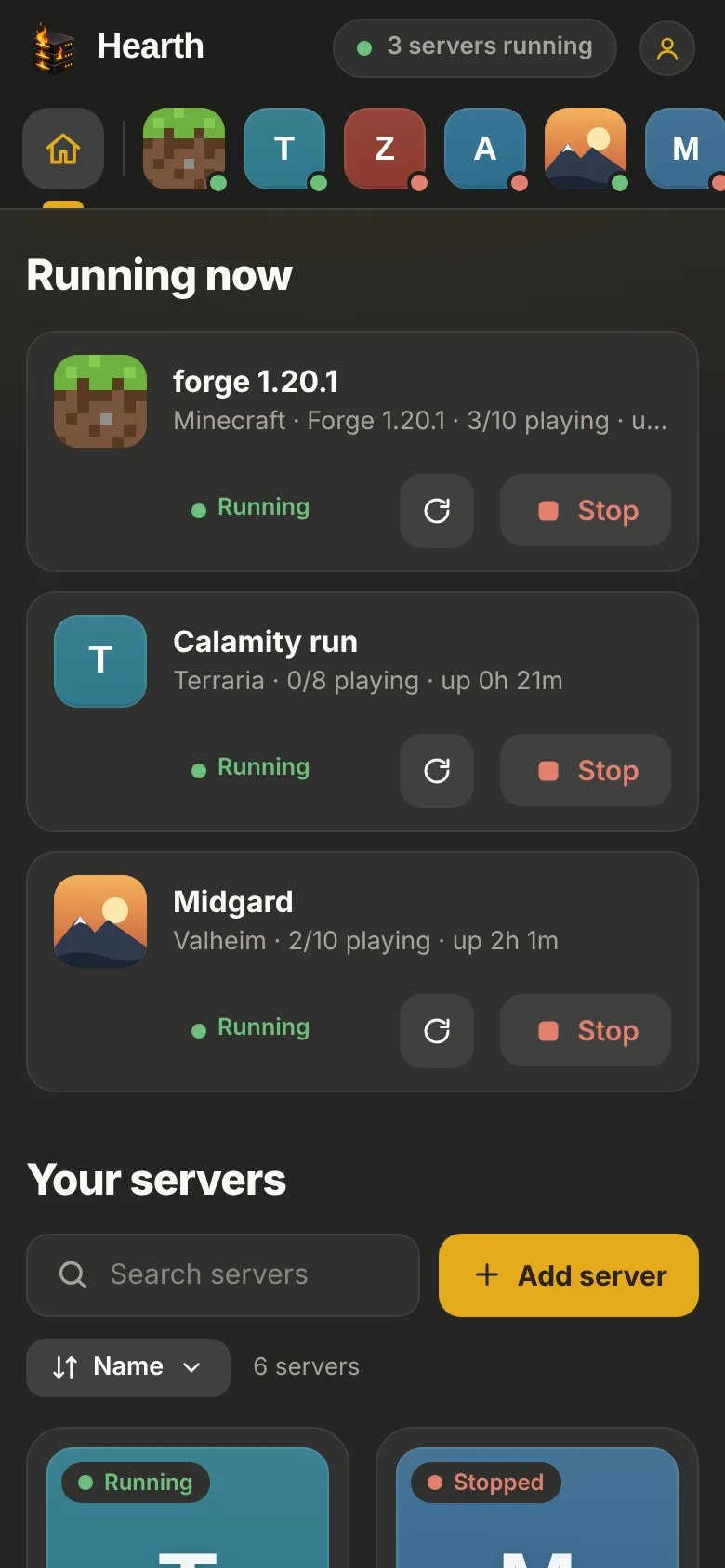
Hearth runs Minecraft, Valheim, Palworld, ARK, Rust and more on your own Windows PC. Start, stop, back up, install mods and invite friends, from your PC or your phone.
Free beta · Hearth Beta 0.35.5 · Windows 10 and 11 (64-bit) · About 110 MB

The jobs you'd normally do in command windows and config files, in one app that keeps an eye on things for you.
Every server on one screen, with live CPU, memory and who's playing. Stops save the world first.
Search Modrinth and install Minecraft mods in a click. Hearth checks versions and tells you which mod crashed the server.
Automatic backups on a schedule and before every update, with one-click restore. It never fills your drive.
If a server crashes, Hearth restarts it, keeps the crash log and can tell you on Discord.
Let friends help as owners, helpers or guests, each on the servers you pick. Two-factor login keeps it safe.
Open Hearth on your phone, even on mobile data, through a secure link. No port forwarding for Hearth itself.
Hearth installs server files with SteamCMD, spots game updates and installs them when nobody is playing.
Nightly restarts with warnings for players, timed backups and commands, on the days you choose.
Each one with its own settings, player list and the right way to stop it. Anything else you can start with a command works too.


Hearth runs on the PC that hosts your servers. Your phone and other PCs just open it.
Yes, while it's in beta.
No. They join your server in the game like always. Hearth is for you and the friends who help run things.
No. Your servers run on your own PC, and your worlds and settings stay there. Hearth starts with Windows and keeps your servers going from the tray.
Windows warns about new programs that haven't been downloaded by many people yet or aren't signed with a paid certificate. Click More info, then Run anyway. The warning goes away as more people use Hearth.
By itself. When a new version is ready, Hearth tells you, and installs it when you restart it. Servers that were running start again afterwards.
Hearth's remote link goes through Cloudflare over https, needs an account to do anything, and requires two-factor login for the admin before it can be turned on. Wrong passwords lock out the address they come from.
One download, and every server in one place.
Download for WindowsHearth Beta 0.35.5 · All versions and what's new